








In today’s visually driven marketing landscape, immersive content plays a key role in attracting and engaging audiences. Whether you are setting up a branded booth, a virtual product demo, or an interactive photo experience, chroma key technology has become an essential tool. Understanding the difference between green screen and blue screen can help businesses make smarter decisions when designing event displays and promotional setups.
Both green and blue screens are widely used in photography, videography, and event marketing to replace backgrounds digitally. However, their performance varies based on lighting, subject, and environment. Choosing the right option ensures better visual output, smoother editing, and a more professional presentation.
What Is a Green Screen?
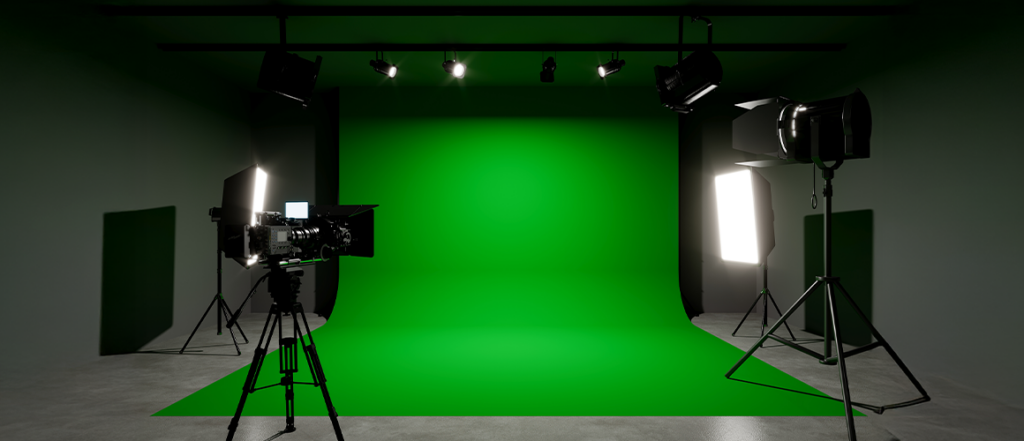
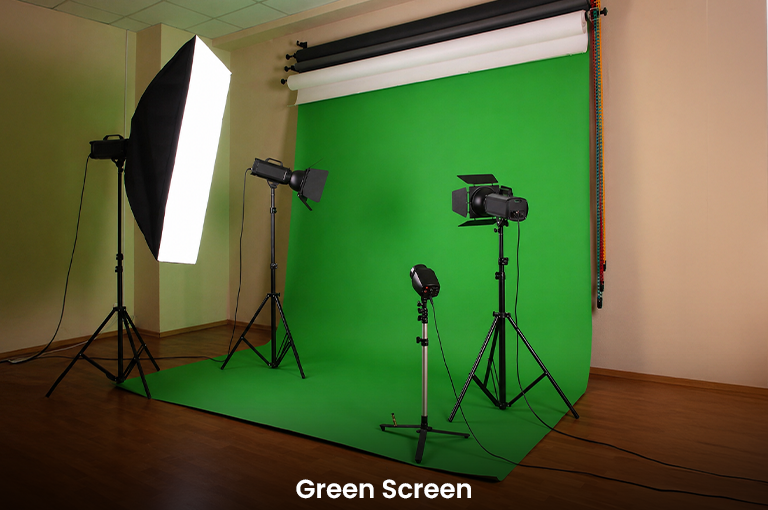
To begin with, understanding what is a green screen is essential for businesses exploring modern display solutions. A green screen is a solid green background used in chroma keying to remove the background and replace it with a digital scene.
Green is commonly used because it is distinct from most skin tones and clothing, making it easier for editing software to isolate the subject. In event marketing, green screens are often used to create immersive brand experiences, such as virtual travel backdrops or interactive campaign visuals.
Many businesses use green screen backdrops in exhibitions to allow attendees to engage with branded digital environments instantly.
What Is a Blue Screen?

Similarly, knowing what is blue screen helps clarify when it may be a better choice. A blue screen works on the same chroma key principle but uses a blue background instead of green.
Blue screens were historically more common in film production and are still preferred in certain scenarios where green may interfere with the subject or environment. They are particularly useful when working with subjects that include green elements or when finer detail is required in post-production.
How Does Chroma Key Technology Work?
To understand how does a green screen work, it is important to look at the underlying process. Chroma keying isolates a specific color (green or blue) and removes it from the frame, allowing a new background to be inserted digitally.
Modern digital cameras are designed with sensors that capture more green information than other colors. This makes green screens easier to process, resulting in cleaner and faster editing. The effectiveness of this process depends on even lighting, proper exposure, and a well-positioned subject.
For businesses using visual displays, this technology enables seamless storytelling through dynamic backgrounds and branded visuals.
Key Differences Between Green Screen and Blue Screen
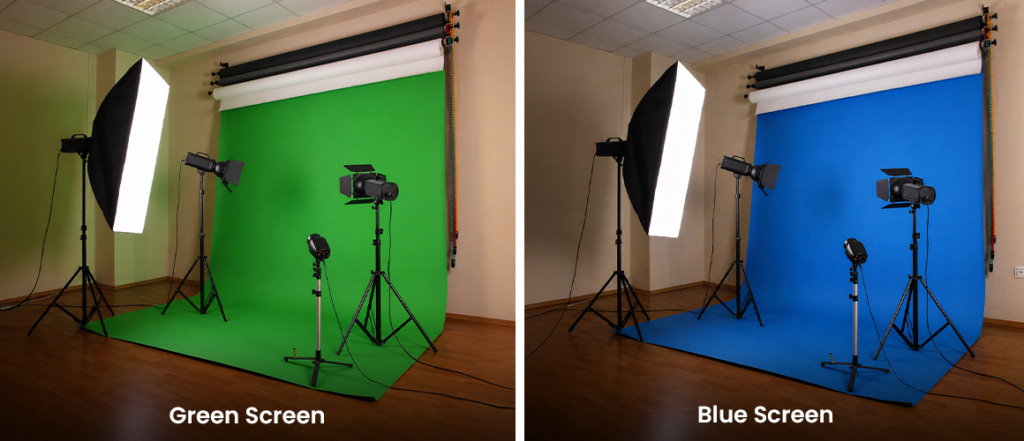
While both options serve the same purpose, their differences can significantly impact your final output. The primary distinction lies in luminance and how cameras process color channels.
Green screens are brighter and have higher luminance, making them easier to light and more cost-effective for most setups. Blue screens, on the other hand, are darker and require stronger lighting to achieve optimal results.
Color spill is another important factor. Green screens tend to reflect more light onto the subject, sometimes creating a visible green tint around edges. Blue screens produce less spill, resulting in cleaner outlines, especially for fine details like hair.
Camera technology also plays a role. Digital cameras capture more green data due to their sensor design, which makes green screens more efficient for most modern applications.
Wardrobe considerations are equally important. Subjects wearing green should avoid green screens, while blue clothing works better with green backgrounds. Conversely, blue screens are ideal when the subject includes green elements.
Environmental context can influence your choice as well. Blue screens are often preferred for outdoor scenes involving greenery, while green screens work well near water or non-green environments.
Choosing the Right Screen for Business Use
Selecting the right option depends on your specific use case. For most event setups and digital campaigns, green screens are the preferred choice due to their efficiency and ease of use.
If you are planning how to use a green screen for a trade show booth, focus on creating an evenly lit setup with minimal shadows. This ensures smooth background replacement and a professional finish.
Blue screens may be more suitable for specialized scenarios where color spill needs to be minimized or when working with subjects that include green tones.
Applications in Events and Exhibitions
Chroma key technology has become increasingly popular in experiential marketing. Businesses use it to create engaging, shareable moments that extend beyond the physical event space.
A photo booth backdrop with chroma key capabilities allows attendees to interact with branded environments, making it a powerful tool for audience engagement. These setups are particularly effective at trade shows, product launches, and promotional events.
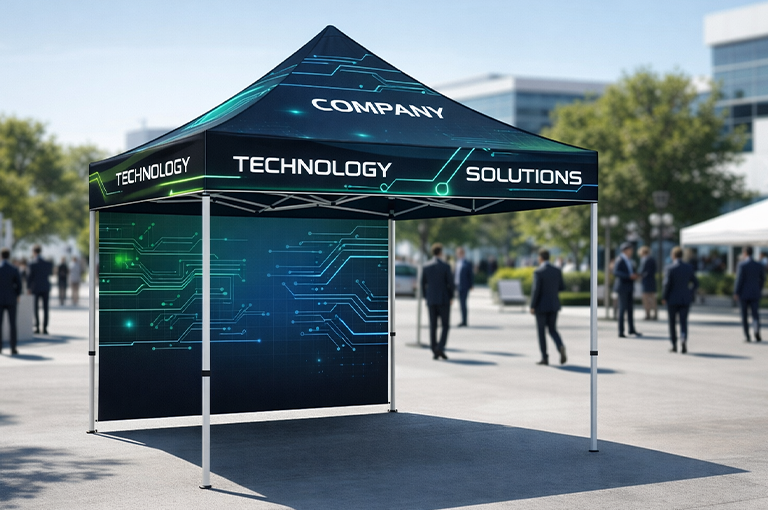
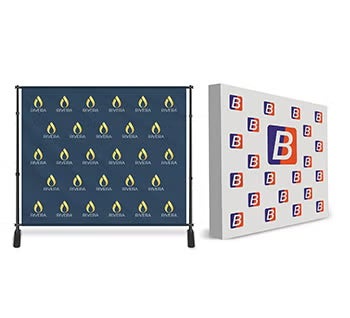
For larger displays, integrating chroma key setups with tension fabric displays can create visually cohesive environments that combine physical branding with digital storytelling.
Choosing the Right Backdrop Setup
The quality of your setup plays a crucial role in achieving professional results. Investing in reliable and well-designed backdrops ensures consistency and ease of use.
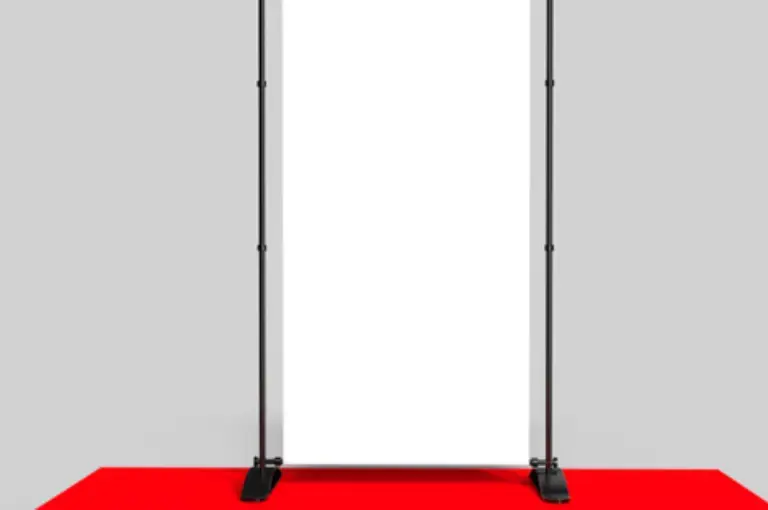
An adjustable green screen backdrop is ideal for businesses that require flexibility across different event spaces. It allows quick setup and adaptability, making it suitable for both small booths and large exhibition areas.
High-quality custom backdrops can also enhance brand visibility by combining chroma key functionality with printed elements, creating a hybrid visual experience.
Practical Tips for Better Results
Achieving a polished outcome requires attention to detail. Proper lighting is essential to eliminate shadows and ensure uniform color across the backdrop.
Position your subject at a reasonable distance from the screen to reduce color spill and improve edge definition. This is particularly important when working with bright green backgrounds.
Testing your setup before the event can help identify potential issues and ensure everything runs smoothly during live interactions.
Final Thoughts
Understanding the nuances of chroma key technology allows businesses to create more engaging and visually compelling experiences. While both green and blue screens serve the same purpose, their differences in luminance, lighting requirements, and color interaction make each suitable for specific scenarios.
For most modern applications, green screens offer greater efficiency and ease of use, making them a popular choice for event marketing. However, blue screens remain valuable in situations where precision and reduced color spill are critical.
By selecting the right setup and combining it with high-quality display solutions, businesses can transform simple backdrops into powerful storytelling tools. Whether used for interactive booths or digital campaigns, the right approach ensures your brand stands out in competitive environments.